Guide · For carinderias and food stalls
POS for Carinderia: What a Small Food Business in the Philippines Actually Needs
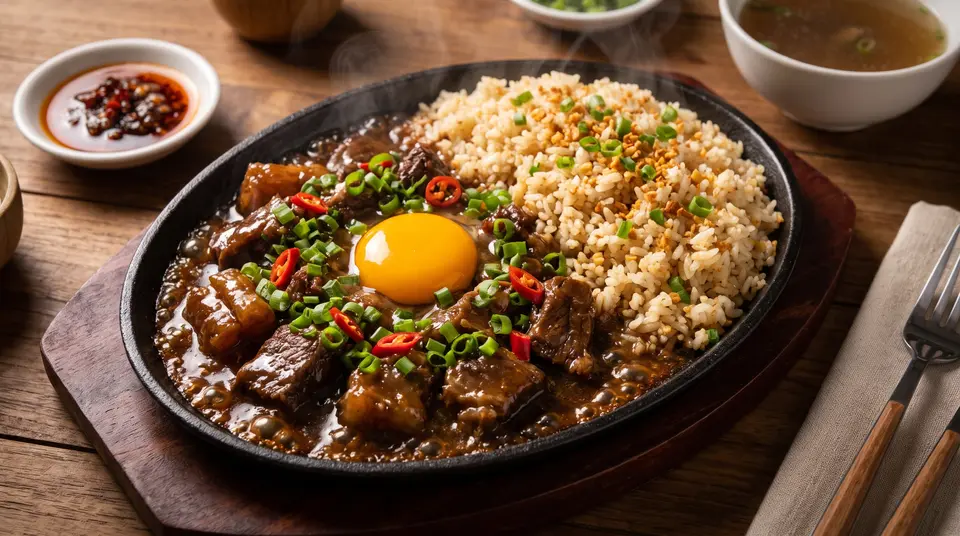
It's 6:40 in the evening. The ulam trays are half empty, there are five people at the counter, and your phone keeps buzzing with "hm po?" on Messenger. Someone pays with GCash and you can't find the screenshot. At closing, the notebook says one number and the cash box says another.
If that sounds familiar, you've probably wondered whether you need a POS for your carinderia. This guide covers what a point-of-sale system should do for a small food business, what you can skip, and how to work out what it will really cost you. That last part is the one most sales pages leave out.
Do you even need a POS?
Not every carinderia does. If you sell 20 plates a day, know every suki by name, and close with the right amount every night, a notebook works fine.
A POS starts paying for itself when:
- Your count doesn't match at closing. Even small gaps every day add up over a month.
- More than one person handles the counter. You want to see who took which order.
- Orders come from more than one place. Walk-ins, Messenger, phone calls and maybe a delivery app all end up in different places.
- You run out of dishes and only find out when a customer asks. Then you say sorry three more times before the sign gets updated.
- You want to know what actually sells. Is the pares carrying the store, or the silog?
If two or more of these sound like your store, read on.
The five things a carinderia POS must do
Carinderias and food stalls don't need what a 40-table restaurant needs. Here's the short list that matters.
1. Take a counter order fast, on a phone
The rush doesn't wait. Adding three ulam and two rice to an order should take seconds, on a phone you already own. If the system needs a special terminal or a tablet stand to work, that's cost and setup you probably don't need yet.
2. Print on a cheap 58mm Bluetooth printer
A 58mm Bluetooth thermal printer is the standard small-counter printer in the Philippines. Your POS should print two things on it: a kitchen slip so the cook knows what to plate, and a receipt for the customer. Before you choose a POS, check that it works with the printer you have or plan to buy.
3. Mark a dish "ubos na" in one tap
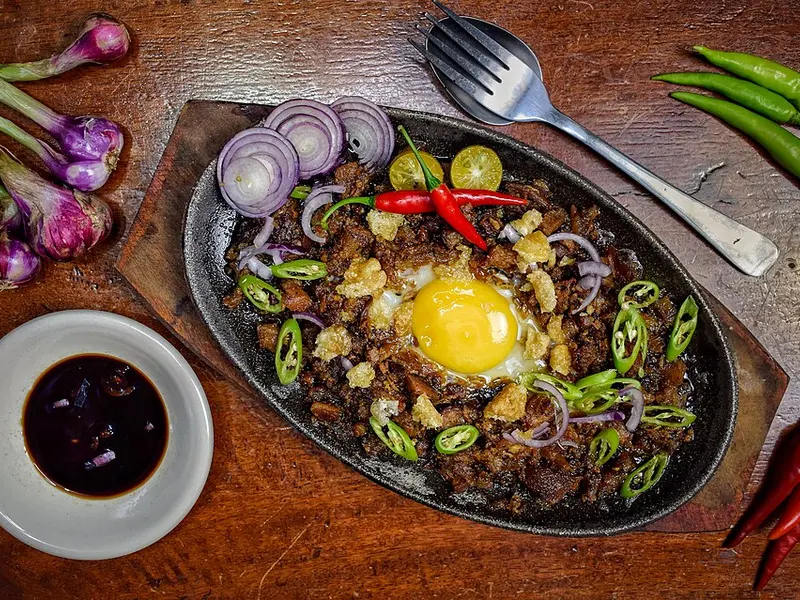
When the sisig runs out, one tap should take it off the menu everywhere: at the counter and, if you take online orders, on your customers' phones too. That saves you apologies and refunds.
4. Give you an end-of-day count (Z-reading)
At closing, you should get one screen or printout with how many orders you made, how much came in as cash, and how much came in through GCash, Maya or other online payments. That's the number you check against the cash box.
5. Accept the way your customers actually pay
Cash, GCash and Maya cover most carinderia sales. Your POS should record which one each order used, so the Z-reading splits them correctly.
What you can skip (for now)
Vendors love long feature lists. For a carinderia or food stall, most of these can wait:
- Table management and floor plans. Useful for sit-down restaurants, not for a counter.
- Deep inventory tracking down to the gram. Knowing what sold out and what sells best is enough at first.
- Dedicated POS hardware. Start with a phone and a Bluetooth printer. Upgrade when the volume asks for it.
- Paying for twelve months upfront. Try the system during a real rush before you commit.
The cost question: monthly, per order, or commission?
This is where a POS decision really gets made. There are three common ways to pay, and the cheapest one depends on your numbers.
| Pricing model | How it works | Cheapest when… |
|---|---|---|
| Monthly subscription | A fixed fee every month, however many orders you make | You have many small walk-in orders every day |
| Per order (flat) | A fixed peso amount per completed order | Your orders are bigger, or you take orders online and want to avoid commission |
| Commission | A percentage of every order, as delivery apps charge | You need the app's customers and delivery network, and your margins can take it |
To compare them, take one normal day:
- Orders per day × 30 = orders per month
- Monthly plan: the fee is the same every month.
- Per-order plan: orders per month × fee per order.
- Commission: orders per month × average order × commission rate.
A stall that mostly delivers
40 orders a day at ₱180 each
- Commission at 25%
- ₱54,000 / month
- Flat ₱10 per order
- ₱12,000 / month
1,200 orders × ₱180 × 25%, against 1,200 × ₱10.
A carinderia that's mostly walk-in
120 plates a day at ₱85 each
- Flat ₱10 per order
- ₱36,000 / month
- Monthly subscription
- Very likely less
3,600 orders × ₱10. Check vendors' current monthly prices.
The point isn't that one model always wins. Run your own numbers. Be wary of any vendor that won't let you.
Receipts, TIN and BIR: ask before you rely on it
Many POS apps print a receipt with your business name, TIN, and VAT or non-VAT status. Whether a given POS setup counts as an official receipt for BIR purposes is a separate question. It depends on your registration and on the system itself.
Before you stop issuing your current official receipts, ask your accountant or your BIR Revenue District Office whether the POS you're considering can be used for that. Any vendor who brushes this question off is a red flag.
Bonus: one system for the counter and your online orders
Many carinderias already sell online, just not on purpose. Orders arrive in Messenger, someone copies them onto paper, and the "hm po?" questions never stop.
A POS that also gives you an online menu link fixes that. You post the link on your Facebook page or send it in Messenger. Customers see the menu and prices and order straight to your counter, where those orders sit next to your walk-ins. One "ubos na" tap updates both, and one Z-reading counts both.
If you deliver with your own riders, check whether the system also tracks deliveries and cash-on-delivery remittance. That's the next leak after the cash box.
A quick checklist before you choose
- Works on the phone you already have
- Prints kitchen slips and receipts on a 58mm Bluetooth printer
- One-tap "ubos na" that also updates any online menu
- End-of-day Z-reading split by cash and online payments
- Records Cash, GCash and Maya
- Pricing you've checked against your orders per day and average order
- You've asked your accountant or RDO about receipts
- You can try it during a real rush before paying for months upfront